


ISO 9001:2015 certified
Custom parts, from prototype to production.
- Every process in a single order
- Finishing, assembly and packaging included
- Technical advice on every part
Your parts protected by an NDA before you upload them.
Companies that already work with us
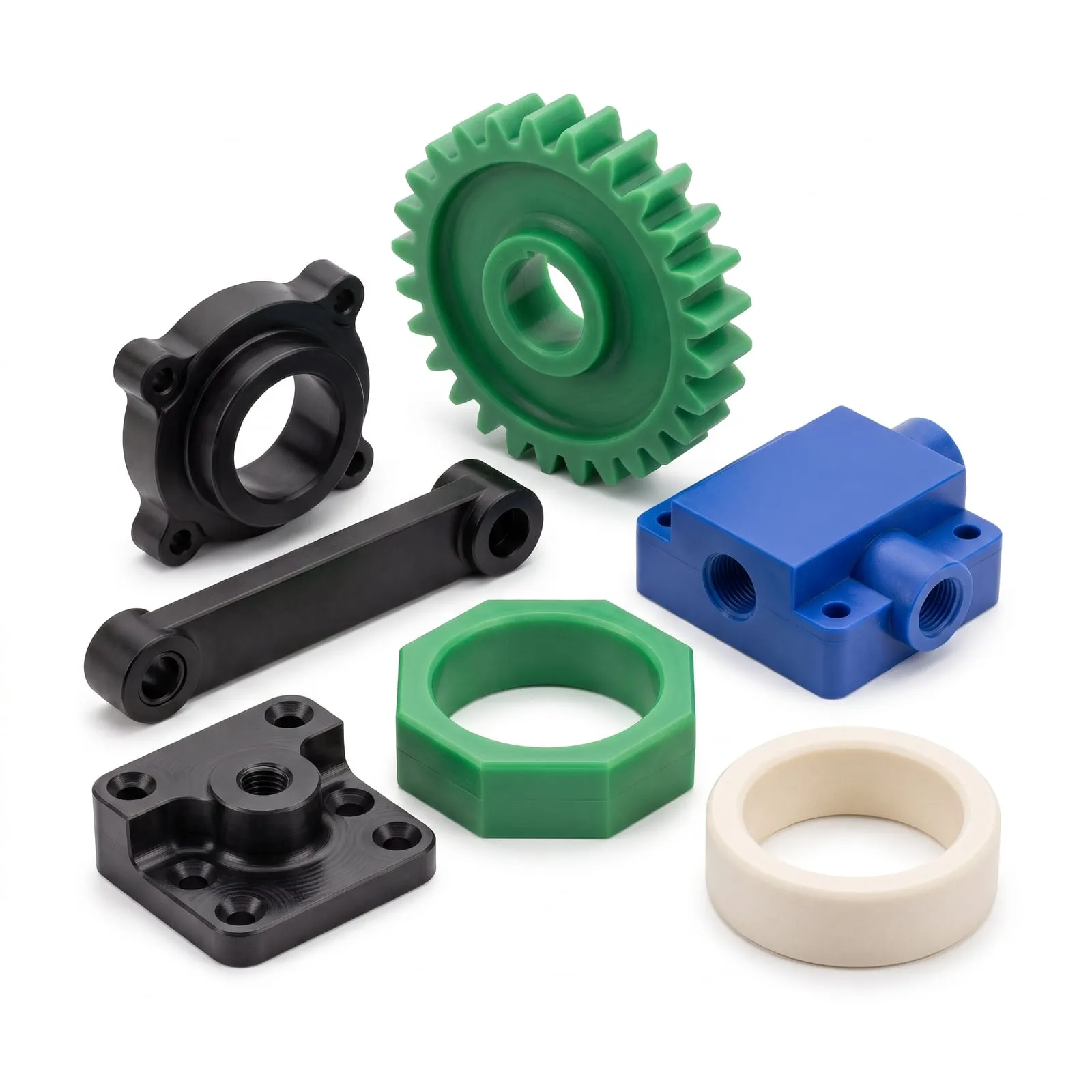
Food-grade HDPE parts, suitable for direct food contact.
Machined and anodized footpegs, kitted and packed under the brand’s name.
Read story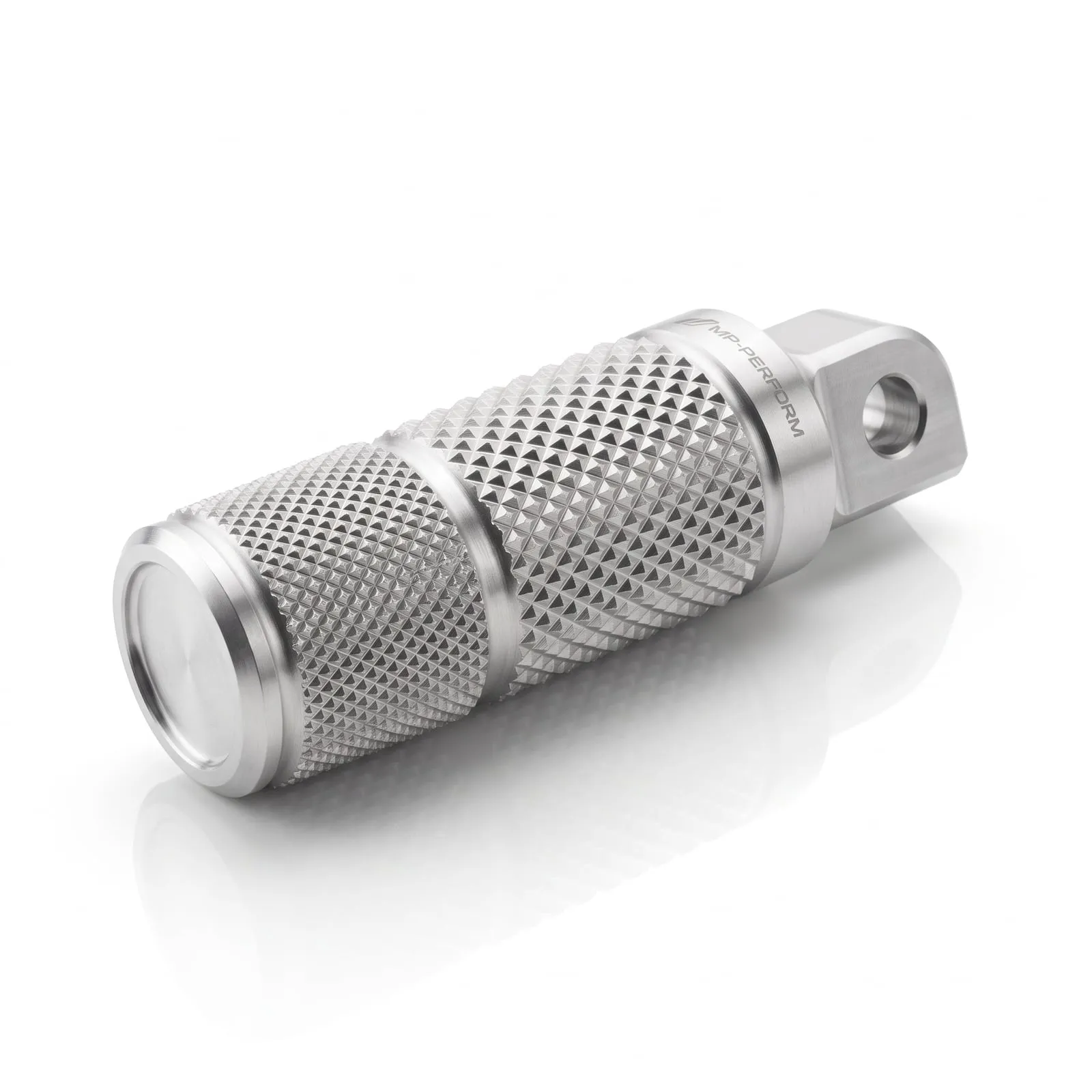
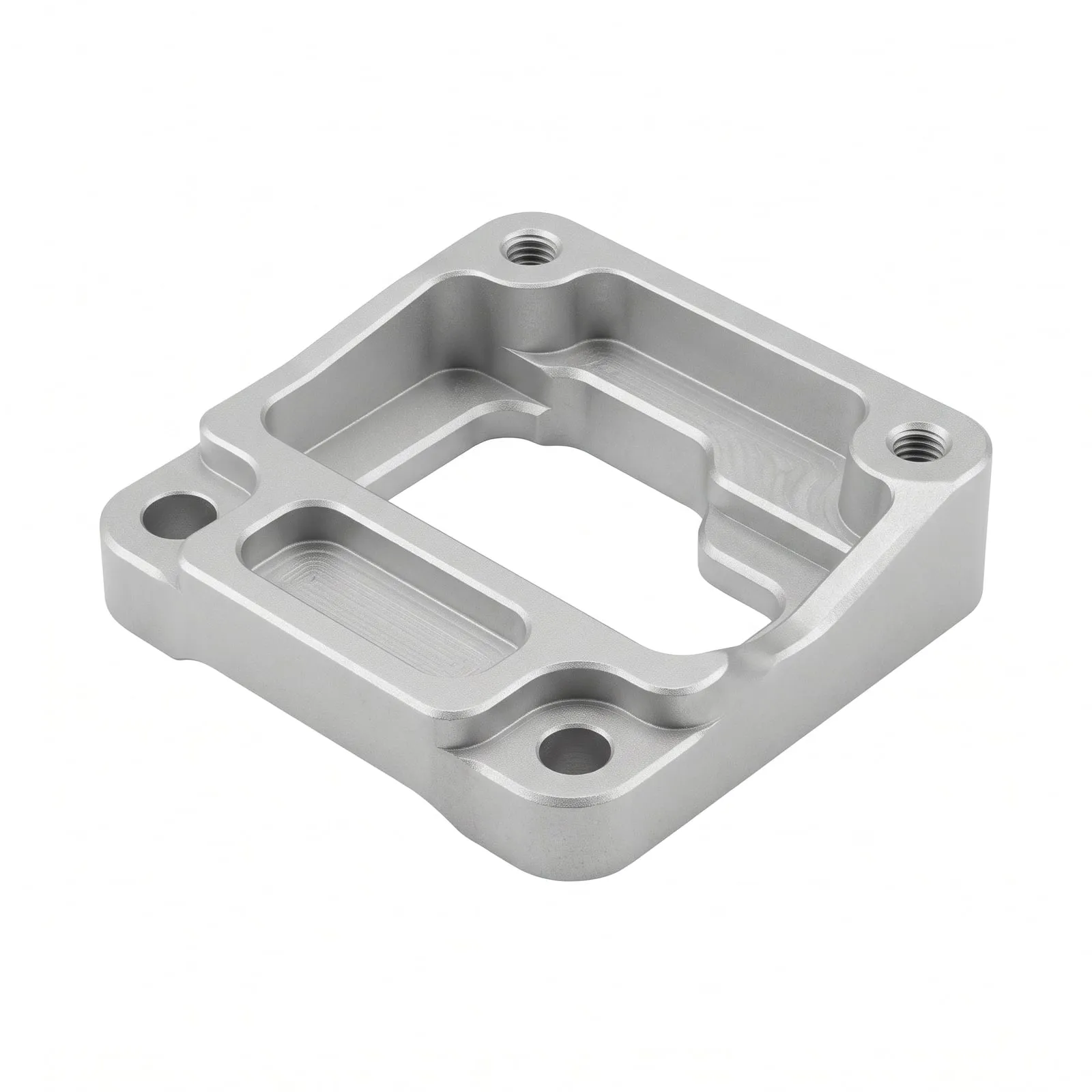
CNC-milled aluminum, held to tight tolerance only where the part needs it.
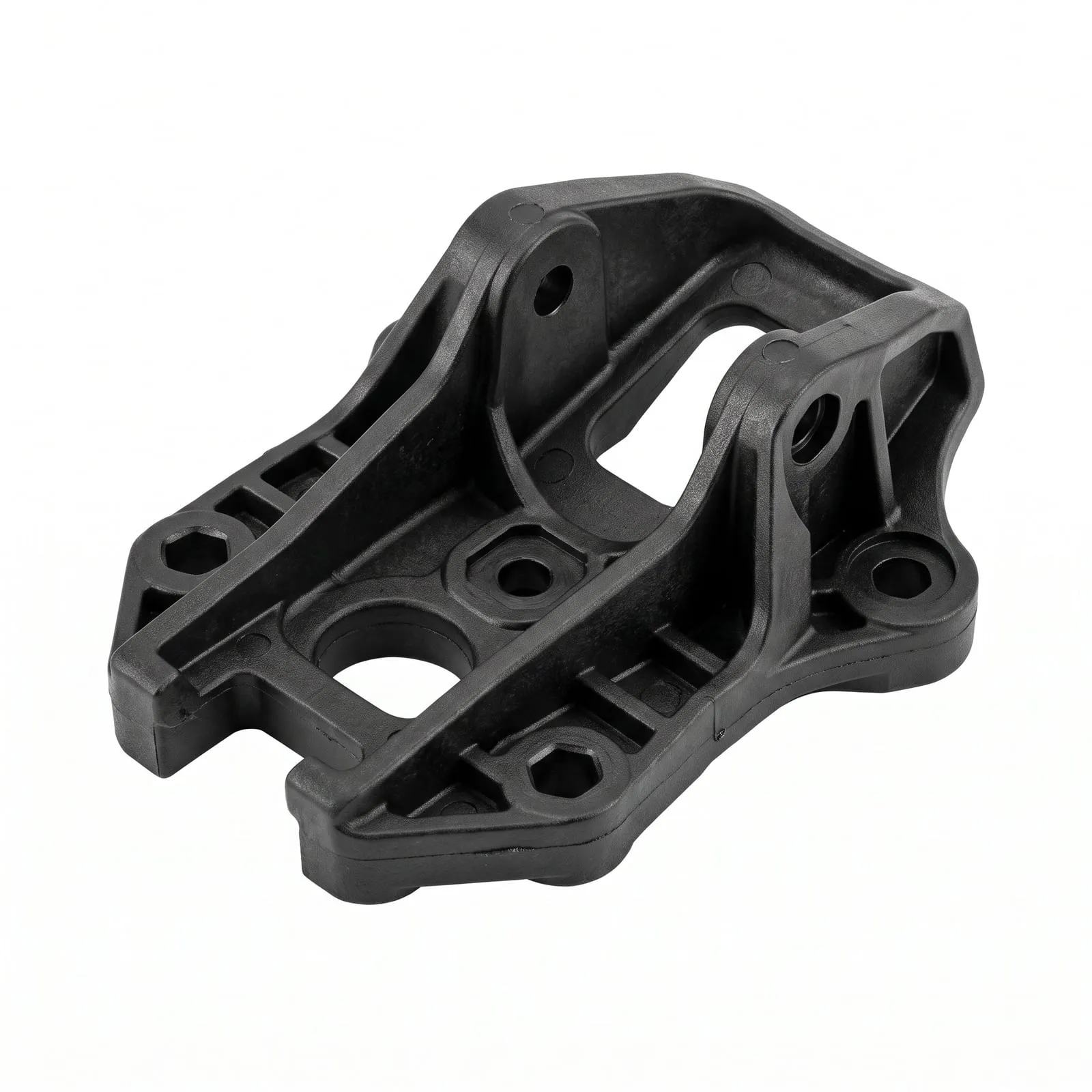
Injection-molded plastic: we advise you so you get the best price, with the right material and process.
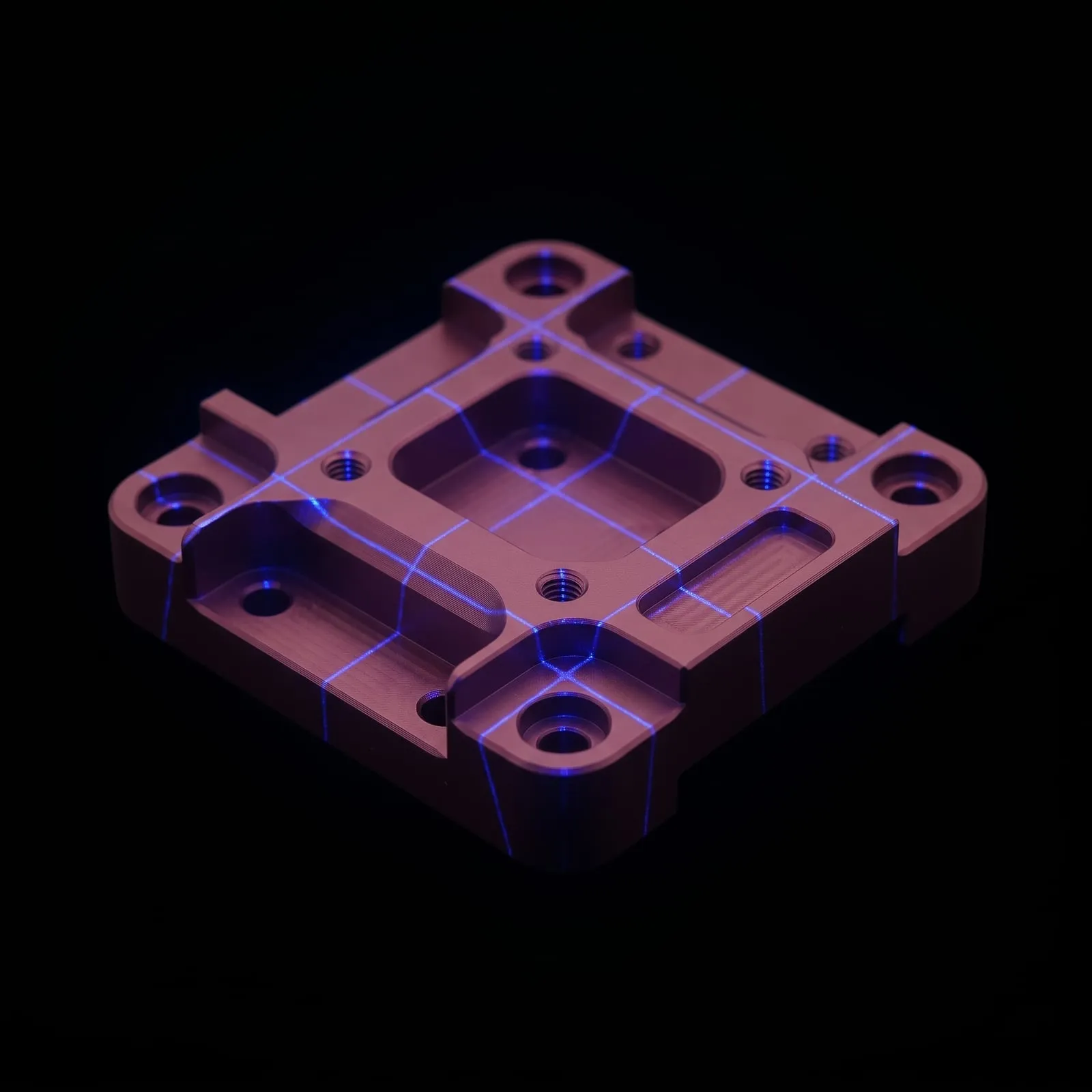
3D scanning to check a part against its design.
A bike rack brand sells its own design on Amazon without owning a factory.
Read story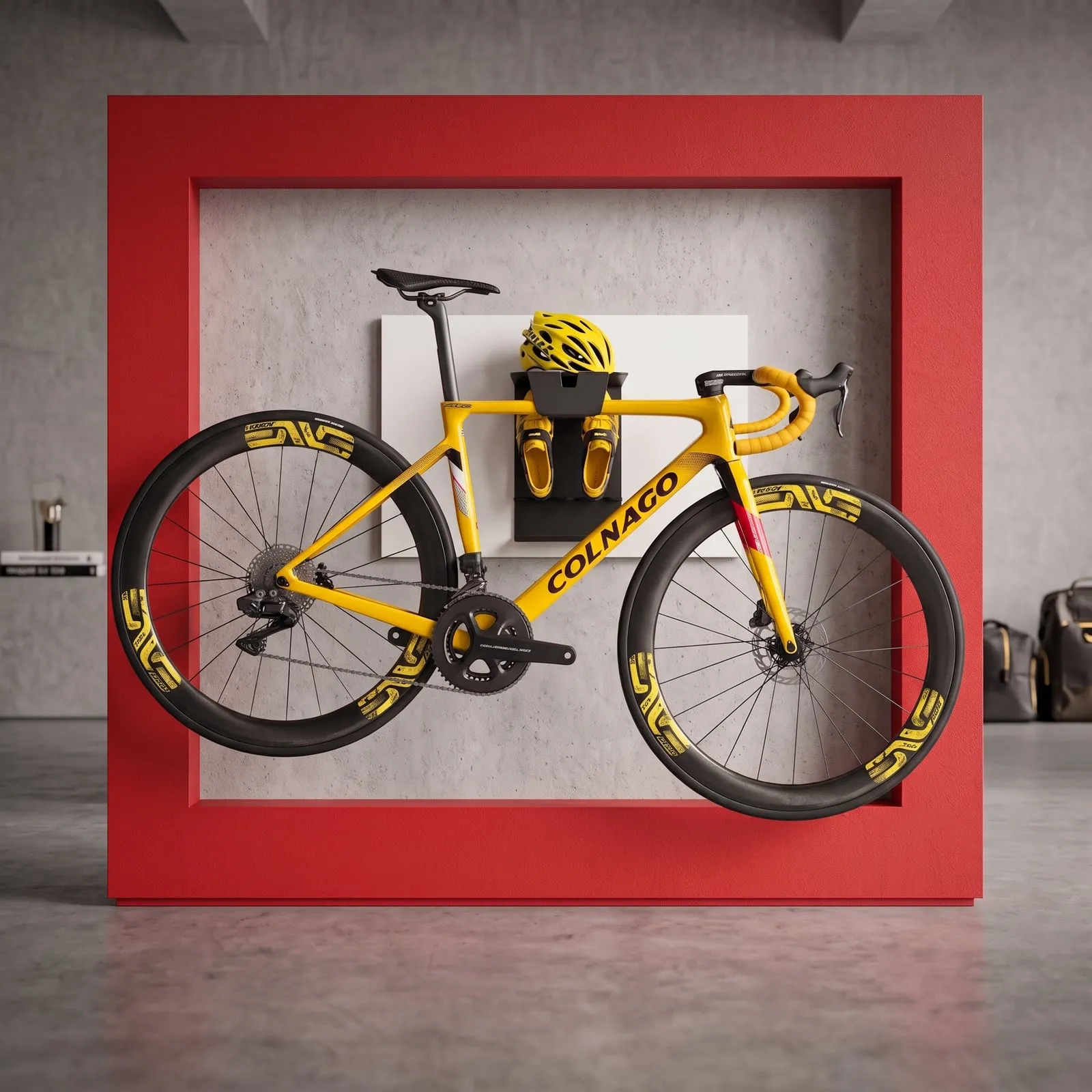
The Tour de France time-trial bar, proved first as a 3D print.
Read story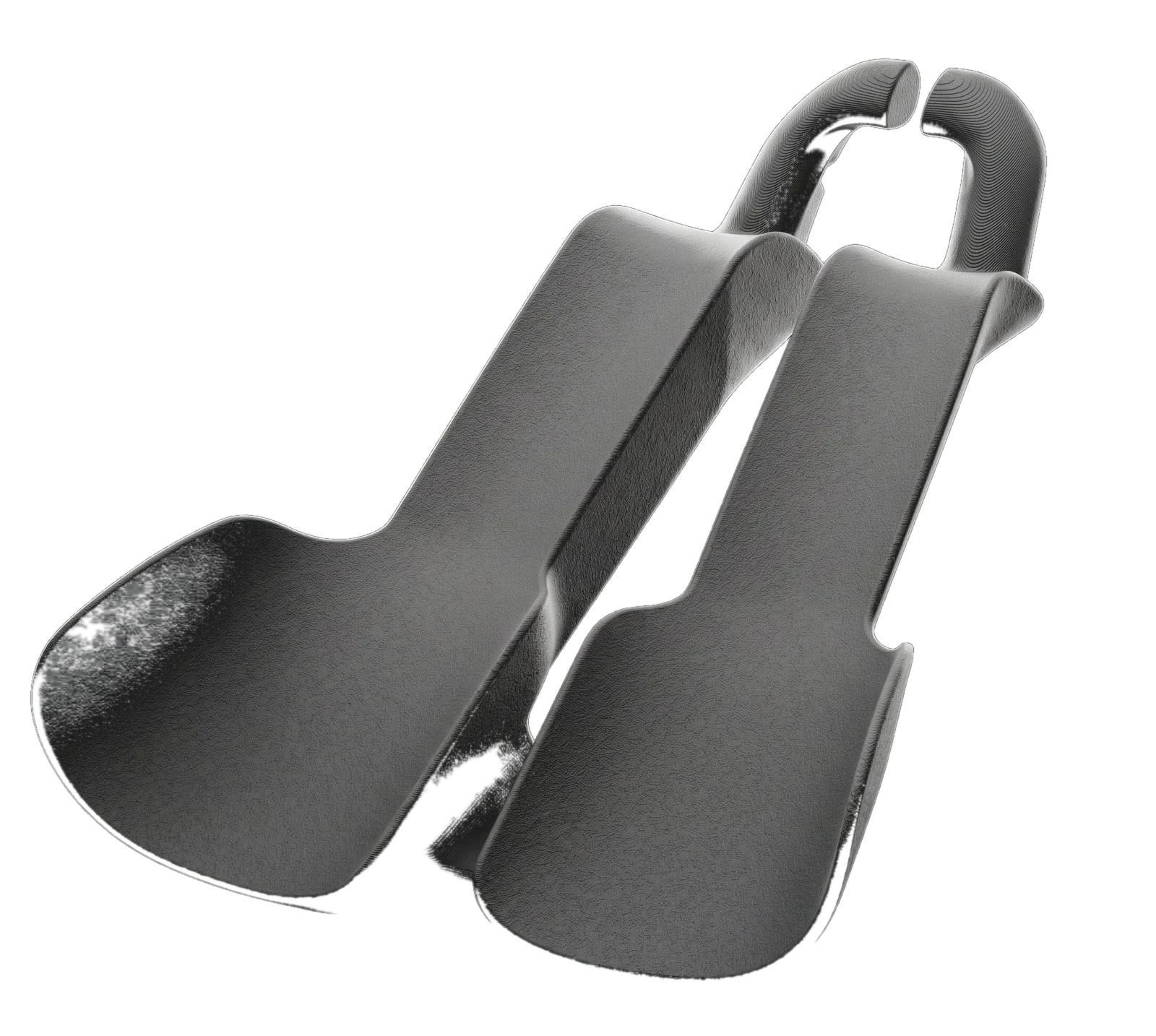
Over 1.5 billion distinct assemblies, each priced in real time in OperGo Engine.
Read story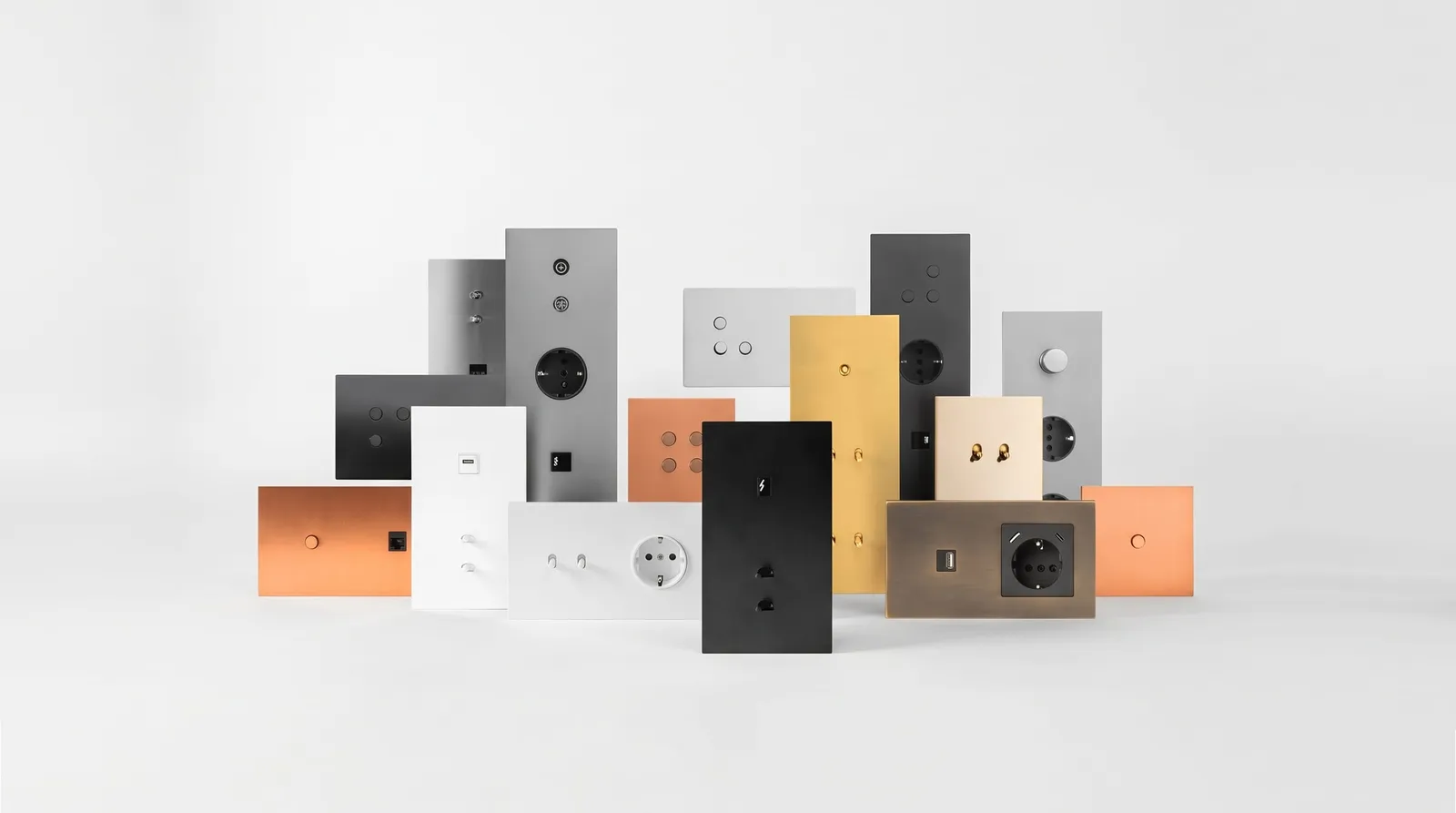
Capabilities
Each part,with all its processes.
Each part is priced on its own, with its material, machining and finishing included, and one order for the whole job.
14 processes · 5 services
See all capabilities → Product & Industrial Design
 Molds & Tooling
 Finishing & Coating
 Assembly & Kitting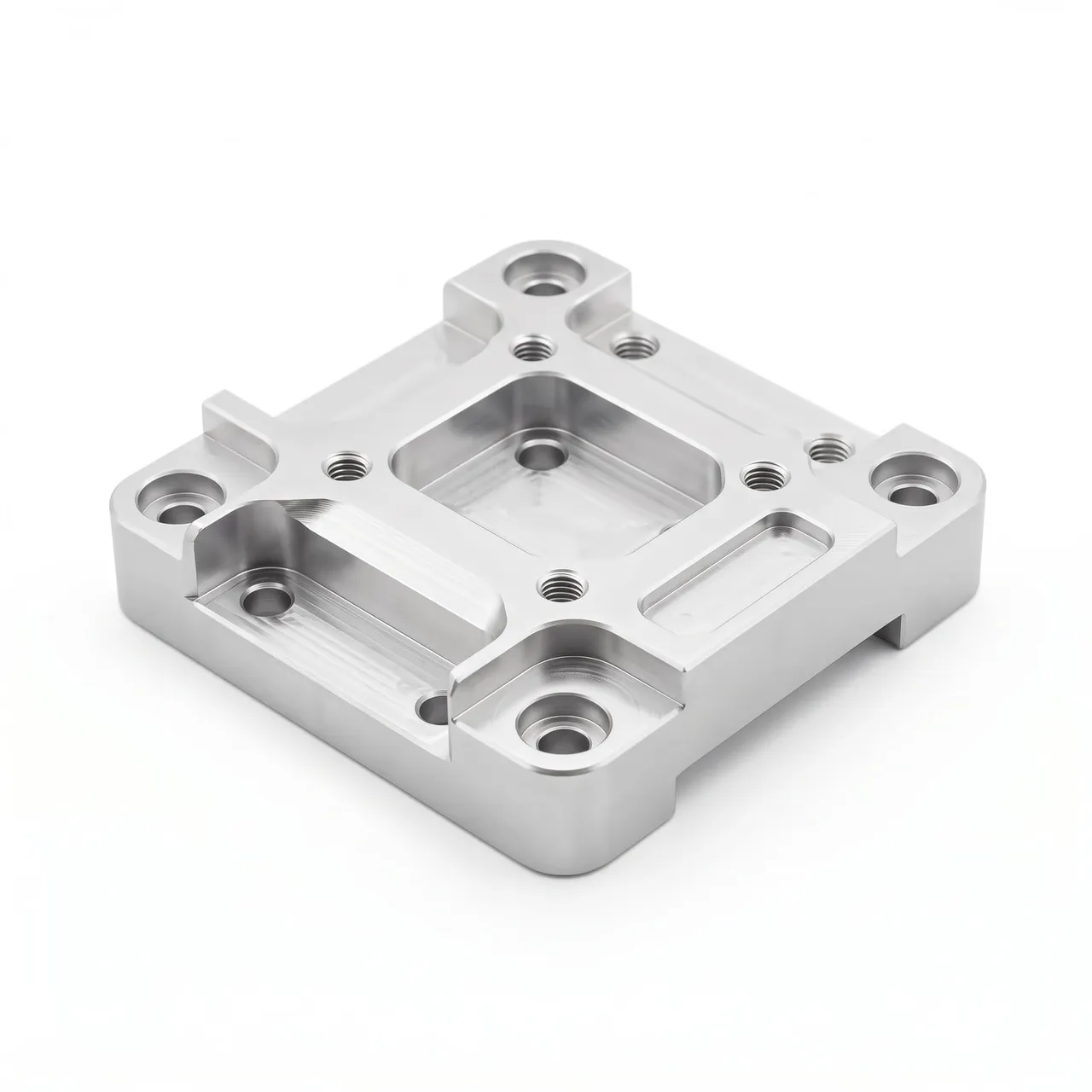
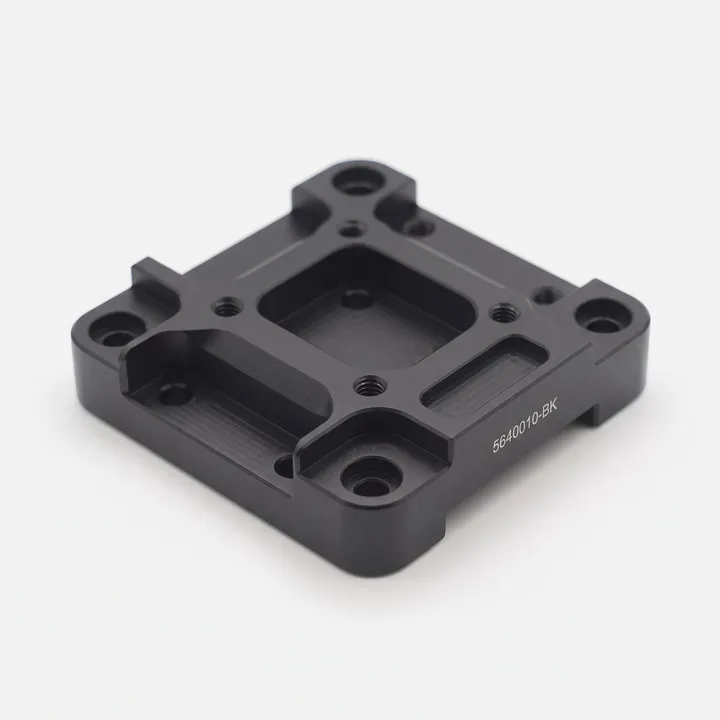
- Material
- 6061-T6 aluminum
- Processes used
 CNC MachiningFinishing & Coating
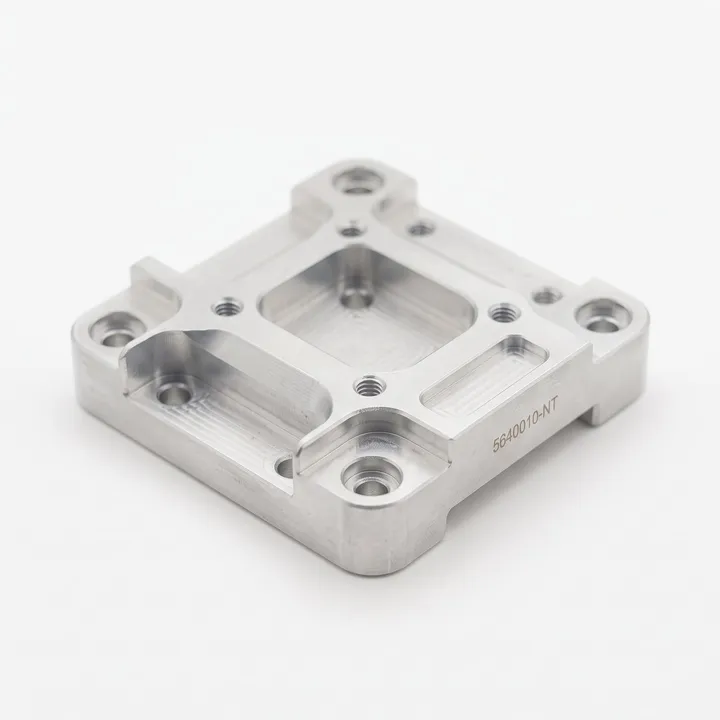
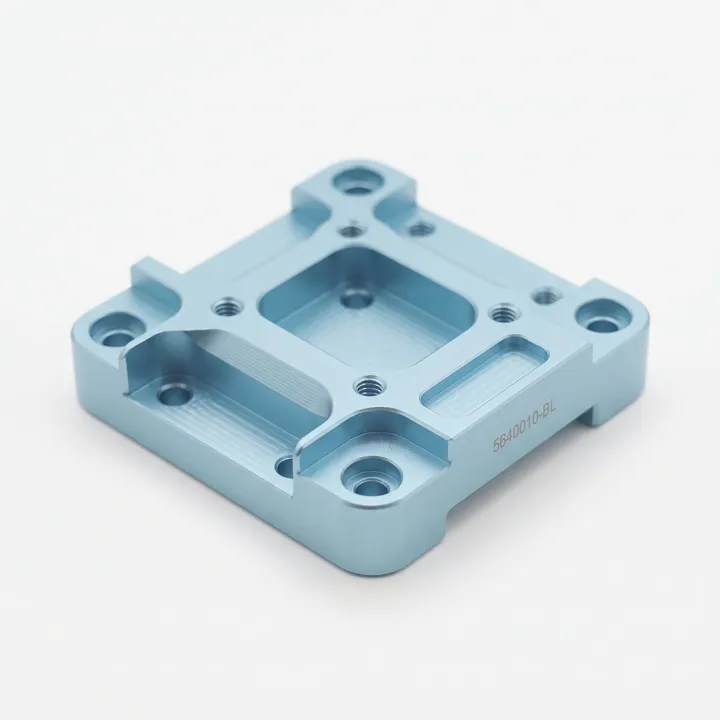
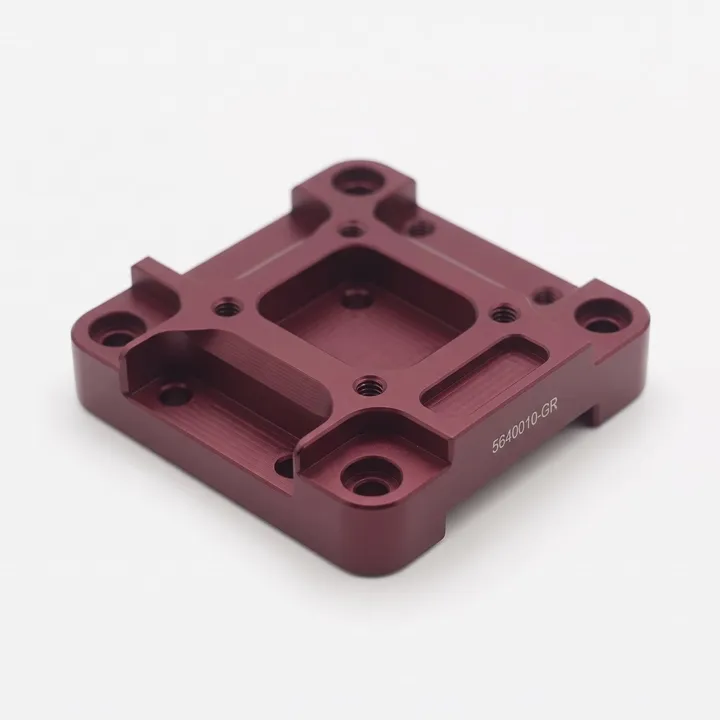
The part is uploaded once; each finish is a variant.
You upload the CAD once. Each finish is added as a variant with its own reference, quantity and steps, in the order they are done. Pick a variant to see its steps.
- 1AnodizedClear (natural)
- 2Laser markedPart number
- 1AnodizedLight blue
- 2Laser markedPart number
- 1AnodizedGarnet
- 2Laser markedPart number
- 1AnodizedBlack
- 2Laser markedPart number
Grow with us
From one part to your whole catalog.
Every part becomes a reference you can reorder. And if you need it, we also hold and ship your stock.
01 / 05
It starts with a single part
Keep the CAD, quotes and orders for each part in one place.

01 / 05
It starts with a single part
Keep the CAD, quotes and orders for each part in one place.

02 / 05
One part, many references
Each size, color or finish is a reference with its own price.
See variants & finishes →

04 / 05
Your whole range in one catalog
Reorder any reference as it was, in two clicks.
See the product catalog →
05 / 05
We also store and ship your stock
We ship it under your brand, and you can see how much is left of every reference at any time.
See stock & fulfillment →How it works · The flow
From your file to your warehouse
in four steps.
Confidentiality
Your design stays yours, protected from the moment you upload it.
- NDA signed before you upload
- Encrypted files; no other customer can access them
- Access set per department
Where we make it
We manufacture in Europe and Asia and deliver wherever you sell.
High-volume runs are made in Asia; finishing and final assembly in Europe. We ship to Europe, the Middle East and the Americas.
- 10,000+parts made every month
- 4warehouses, 2 in Europe and 2 in Asia

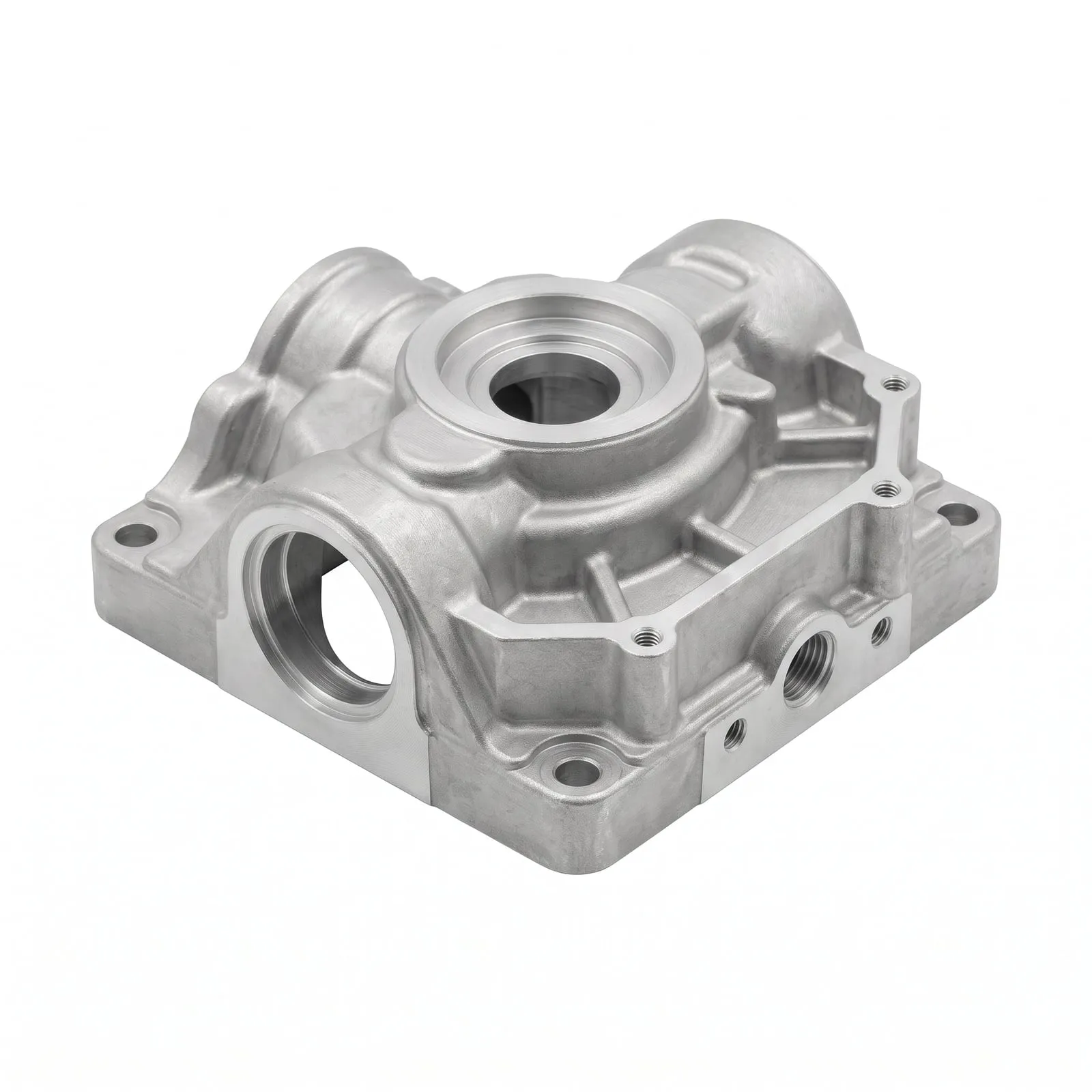
For design studios & single-process suppliers
Offer your clients the complete product.
We make the parts you don't, and the client stays yours: our quote is your cost, and they only ever see your price.
Get started
Upload your part and get its quote.
Upload one part or your whole BOM.
You get a price and lead time in 24–48 h.
Your parts protected by an NDA before you upload them.